
New Proactivanet UX: The Evolution You've Been Asking For
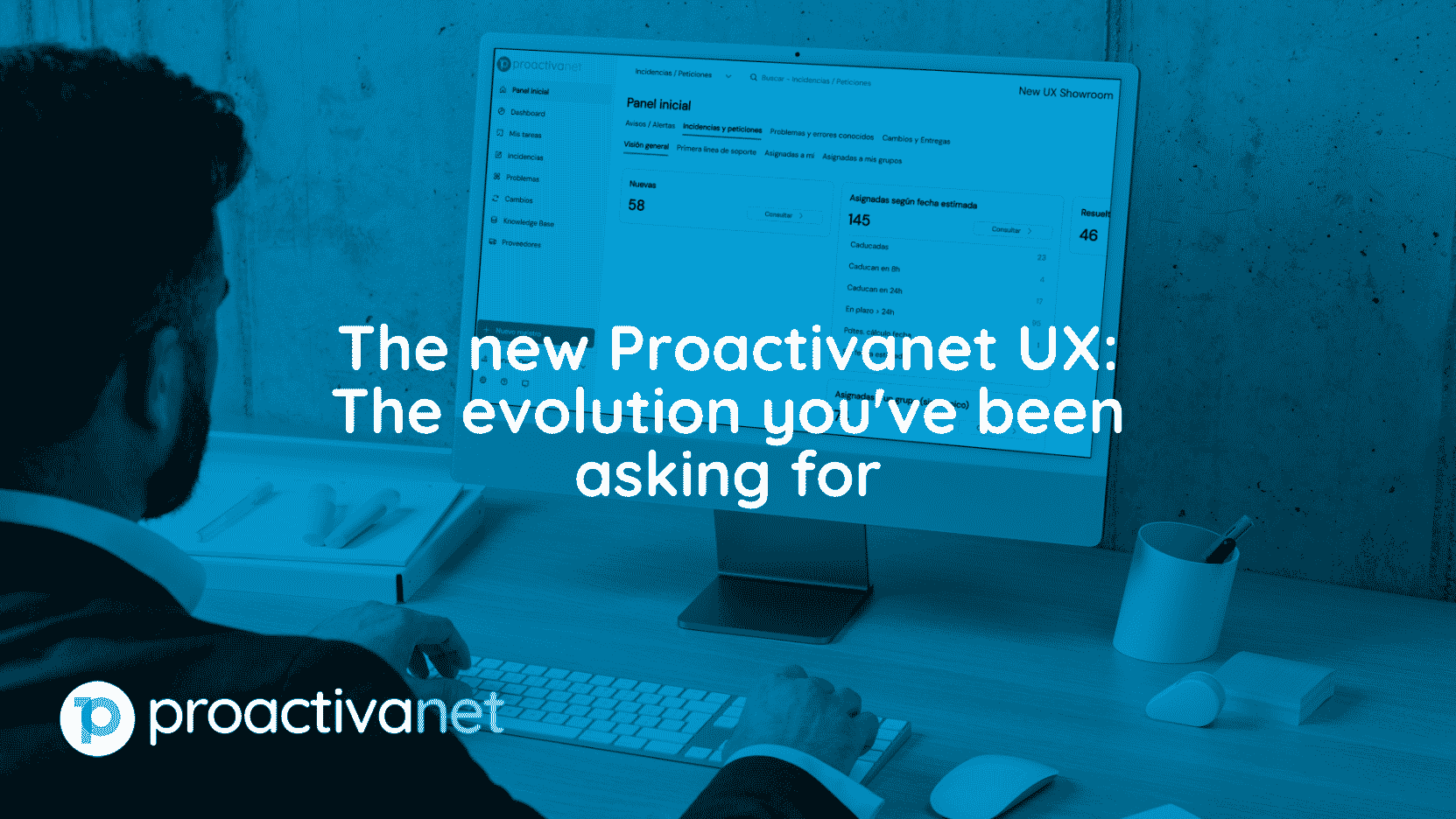
The new UX Proactivanet is here, and it's not just a cosmetic update: it's the most significant evolution the tool has undergone in recent years. If you attended Proactivanet Day 2026 in Gijón, you've already had a first look. If you weren't able to attend, this article will walk you through, step by step, everything that's changing, why it's changing, and when it will be available in your environment.
Why Is the New UX Coming to Proactivanet?
The Proactivanet product team has been gathering feedback from hundreds of customers for some time: support technicians who had to click too many times to find the information they needed, steep learning curves for new users, and an interface that, as the company itself acknowledges, “did not do justice” to the tool’s true power.
The answer to all of this is the new Proactivanet UX: a complete overhaul designed primarily for support technicians who are on the front lines managing incidents, without neglecting system administrators, ITAM managers, and supervisors.
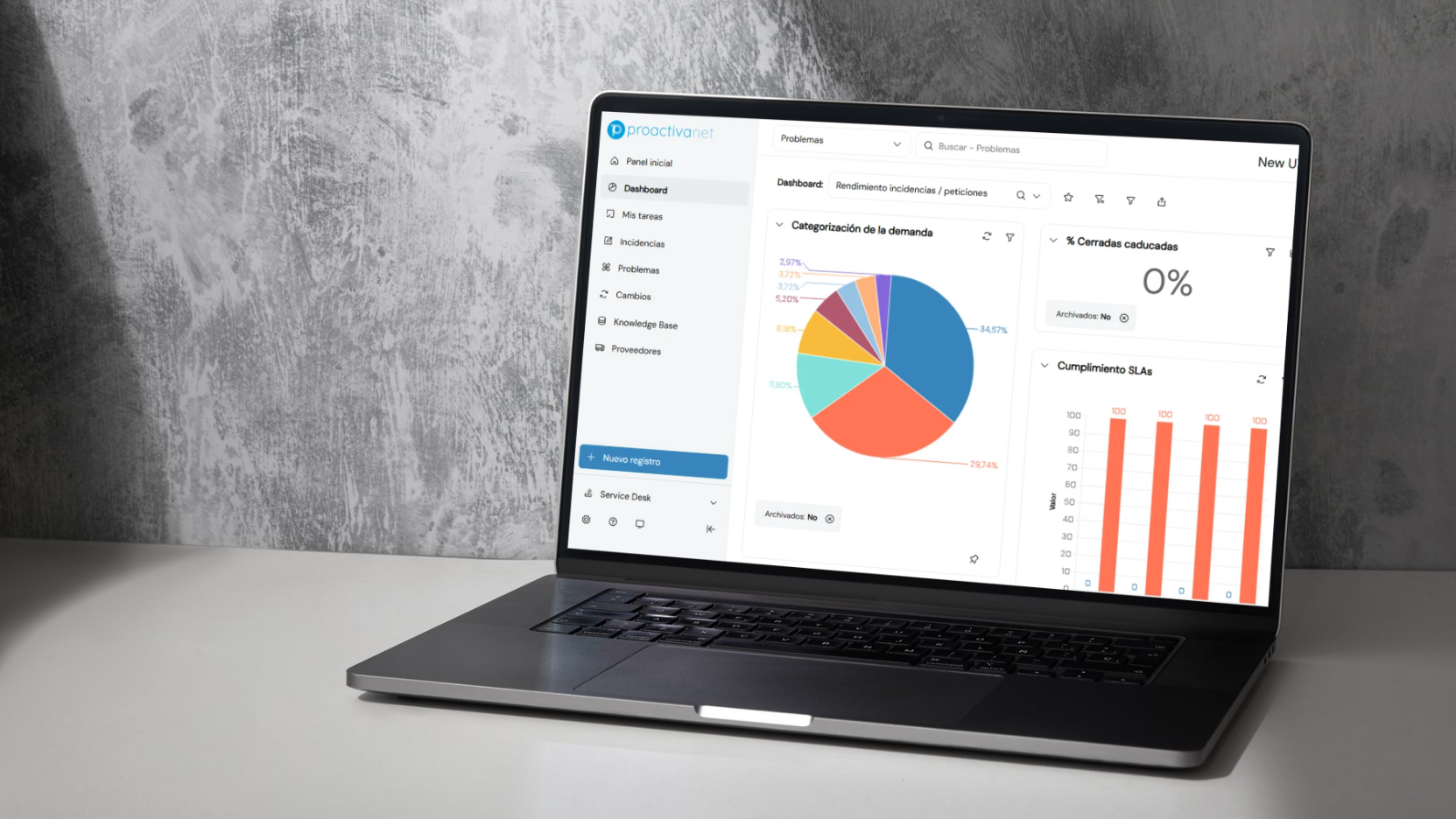
The 7 Key Improvements in the New Proactivanet UX
1. Floating desks to free up workspace
One of the most talked-about new features is the ability to automatically hide the navigation tree when entering a module, freeing up the entire screen for data. If you prefer, you can set it to be fixed as usual, and the best part is that this preference is saved per module: for example, you can have the tree floating in Asset Management and fixed in Administration.
2. Search function within the tree
Until now, navigating trees with a large number of nodes could be tedious. The new UX Proactivanet includes an internal search engine that directly filters the nodes containing the entered keyword, eliminating the need to manually scroll through the entire structure.
3. Universal Quick Create Button
Both the Inventory and Service Desk modules feature a button that centralizes the creation of any type of record (incidents, requests, problems, RFCs, equipment, etc.) without removing the creation options that already existed in each tree.
4. Summary sheets reorganized and prioritized
According to the Proactivanet team itself, the equipment and incident reports were "a bit chaotic." Information is now organized more logically, prioritizing security data (antivirus alerts, CiberyTAM status) and SLA status in the event of incidents—all visible at a glance.
5. Relocation of the Administration menu and the technician profile
The "Administration" link has been moved to the bottom of the side panel, and the technician's profile is now organized into tabs (basic information, recent logins, language and accessibility preferences), following the standard layout of any modern application: click on the avatar in the upper-right corner.
6. IA Assist and the new Document Intelligence Engine (MID)
The IA Assist module has been integrated into the new Proactivanet UX, ready to continue expanding with new features in the coming months. Of particular note is MID, a conversational chatbot that answers questions about how to use the tool and that, throughout the summer, will also be able to draw on each customer’s knowledge base (KB), while adhering to the visibility settings configured for each user.
7. "Under-the-hood" performance and cybersecurity improvements
Not all changes are visible. Pruning certain nodes on the tree that contain large amounts of data (for example, under PCs and servers) substantially improves performance. In addition, Proactivanet was recently included in the CPSTIC catalog of the National Cryptology Center (CCN-CERT), with the highest security level available, following a comprehensive penetration testing process.
How the New Proactivanet UX Affects the User Portal
If you manage end users, you can rest easy: the user portal isn't undergoing a revolution on the same scale as the technical environment. The most noticeable change will be the appearance of the incident and request tree, but neither the functionality nor the configuration of the Home page (which was already customized last year) will be altered.
Will any features or settings be lost?
No. The company is clear on this point: no settings, custom dashboards, specific lists, or reports are lost with the new UX. The only caveat is if you've made extensive changes to the login form's style sheets or the company logo; in that case, you should check to make sure everything displays correctly after the update.
Deployment Schedule for the New Proactivanet UX
- SaaS FastTrack customers: The rollout begins on Monday, July 13, and will be phased in gradually throughout July and August (over 4 to 6 weeks). When you update, a pop-up wizard will appear with a guided overview of the main changes.
- SaaS AddOn customers (with their own update window): The rollout will begin in late third quarter or early fourth quarter (September–October 2026).
- On-Premise Customers: The update is coordinated with the Proactivanet team based on each customer's maintenance window, with no additional time required compared to previous updates.
To find out which edition you have, go to Help at >. What's New: If you see a "FastTrack Release Note" with an odd number, you're on FastTrack; if it says "LTS version" with an even number, you're on SaaS AddOn or On-Premise.
Frequently Asked Questions About the New Proactivanet UX
Do I need additional training to use the new Proactivanet UX? Although it is not mandatory, Proactivanet has published a series of short videos (10–15 minutes total) and a guide outlining the main changes, intended to be shared with the entire technical team.
Will this affect my custom lists and reports? Their functionality should not be affected, although the location of some options (such as a table's settings wheel) will change slightly.
Do I need to activate anything or pay for an additional license for the new Proactivanet UX? No. This is an update to the platform itself, with no additional cost or licensing required. The IA Assist module, specifically, is available to all FastTrack SaaS customers without the need for an additional serial number.
In summary
The new UX Proactivanet isn't just a simple facelift: it's an evolution designed to reduce the number of clicks, save time, and prioritize the information that really matters in the day-to-day work of support and ITAM teams—without sacrificing a single feature you're already familiar with. If you have any questions before, during, or after the deployment, your first step should always be to contact your Customer Success Manager or designated partner.
Would you like to learn more about any of these new features? You can also check out our recap of Proactivanet Day 2026 or learn more about the ssist AI module.

Under the Hackers' Microscope: The Wave of Cyberattacks in 2026

Investment in Cybersecurity: The Financial Strategy Companies Can No Longer Ignore